
@user-e91538 yes please use the dev branch of hmd-eyes we will be merging this to master soon. Apologies for any confusion this has caused
@papr - thanks for your answer on gitter - "The code is very out of date though. But you can integrate the Pupil helper example for time sync in your psychopy experiment in the "coder mode"" - a few questions as I am learning about pupil labs and psychopy and python and others at the same time. Can I just add this code from the pupil helper onto the coder and that's it? or do I need to add anything else somewhere else?
No, just copy and pasting doesn't work. It depends on the generated code where to put the time sync part.
hello everyone iam new here .. i working with project " Gaze plot using webcam " and draw diagram about the points in c++ please any one can help me
@papr - thank you! I think I am almost there. One of the library "from network_time_sync import Clock_Sync_Master" does not work for mac - any advice or alternative route?
@user-e91538 Did you copy the network_time_sync.py file into the same directory as your other Python code?
@user-e91538 Could you provide a bit more context please? Which c++ code are you referring to? Pupil software is designed for head-mounted eye tracking only. This is different fom remote eyetracking that one does using webcams in front of the subject.
at the moment I am just running the script directly
Hi all! Is there code documentation for Unity Project "unity_integration_calibration"?
Hi all. This the picture of my eye feed and I barely get a pupil detection in 3D mode is it because I'm using a monocular setup and 3D detection can't be very accurate with one eye camera or is it the lighting ?
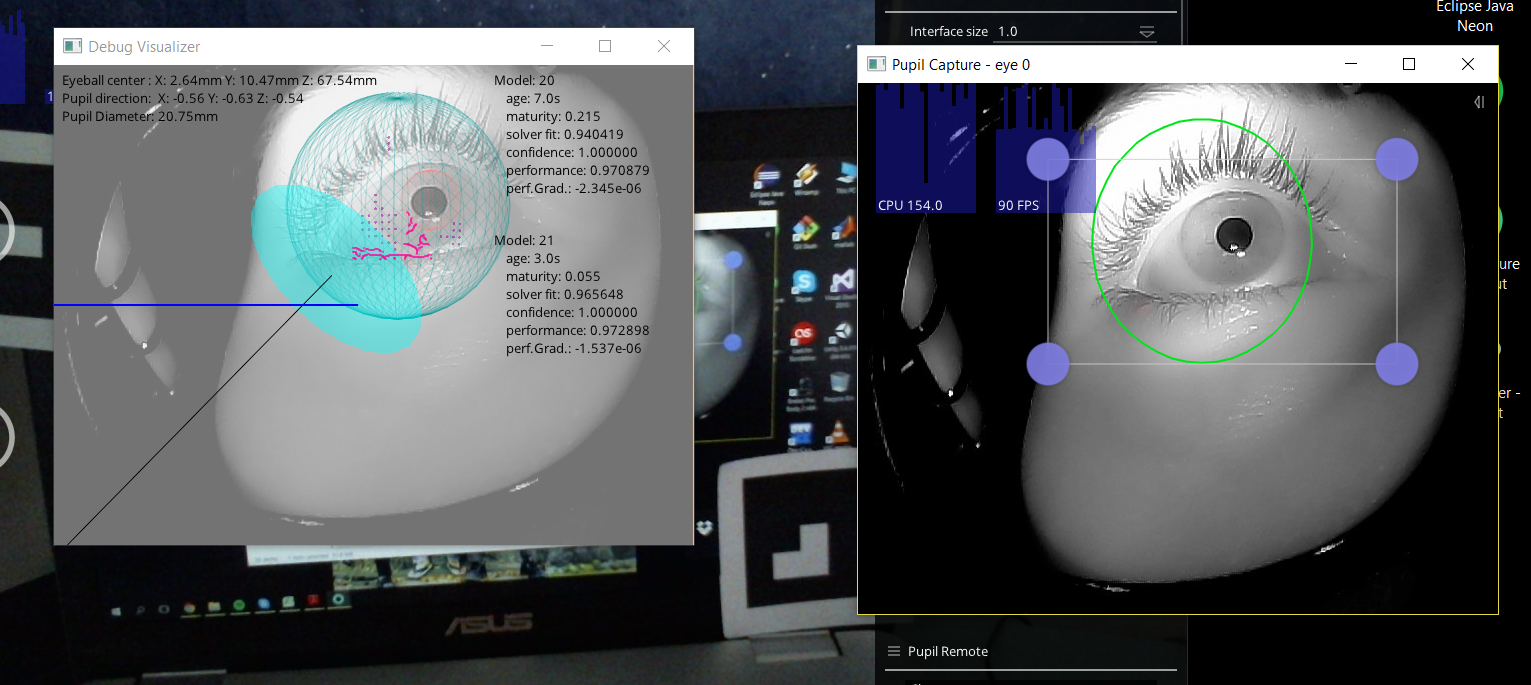
hi,
this should work. just reduce the pupil min dimater and max diamter.
@NahalNrz#1253
@moritz But isn't this used to change the settings for 2D detection only?
Also affects 3d detection
@papr hello buddy ... i just working with c++ open cv to detect the gaze and plot diagram in the monitor where the person is looking for " like for example i show for the user photo and when he looking for the photo i can know where hr take too much time and less time something like heat map but not exactly like that "
@user-e91538 Ok, and what exactly do you need help with? Do you want to know how to access the gaze data?
yes please
@user-e91538 if you have a Pupil headset you can use the marker tracker together with pupil remote: https://github.com/pupil-labs/pupil-helpers/blob/master/pupil_remote/filter_gaze_on_surface.py
For remote eye tracking setups and webcam eyetracking Pupil is not the right project.
@moritz thanks for answer buddy i just will explain for you what the supervisor want from me 1- setup USB cam 2- the user will sit in front of this cam and then the program will detect the gaze 3-After detect the gaze he will plot diagram that where the person looked for ( he will start from pixel 1 till pixel 10 and like this ) and he want this program in c++ opencv
@user-e91538 for this setup pupil in not the right project. I recommend a Google search with webcam gaze mapping as keywords.
Hello, I want to build think of eye tracking system for my 3 yo daughter, she is suffering from a cortical blindness, and it could help to improve her gaze. So I wanted to work on it, but I don't find on git hub or website, the .stl file to print the headseat. Is it available or not ? Because the classic headset will be too large for her head so i need to redu the size
no "think" but "this"
... well, "think" is a mix with "this" and "kind" ...
Hi, Baptist. Camera mounts are open, but the headset frame is not. Please, enter in contact on sales@pupil-labs.com for a custom sized headset for your daughter.
Hi @user-e91538 - I will reply via email. Thanks!
hello this is what i done how can i can know the gaze points and draw diagram🙄 for it
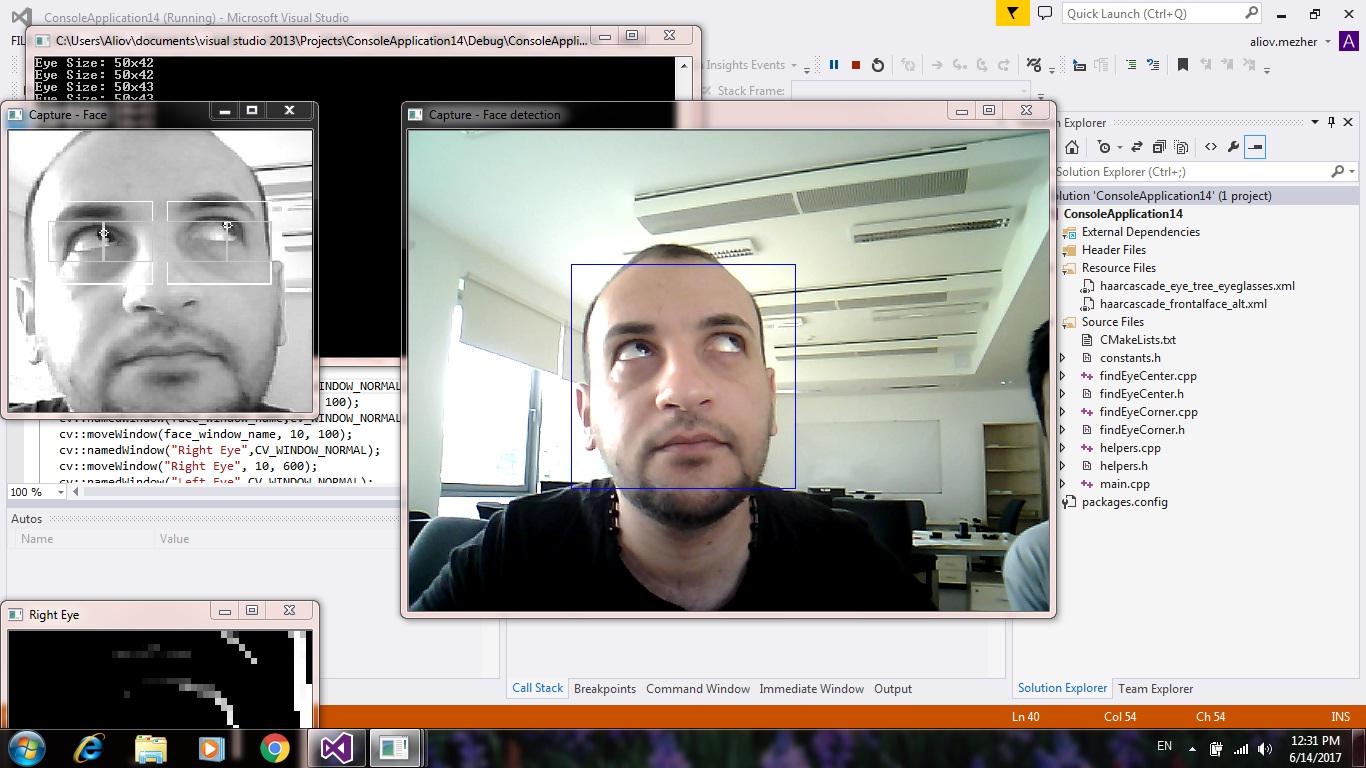
another test ..
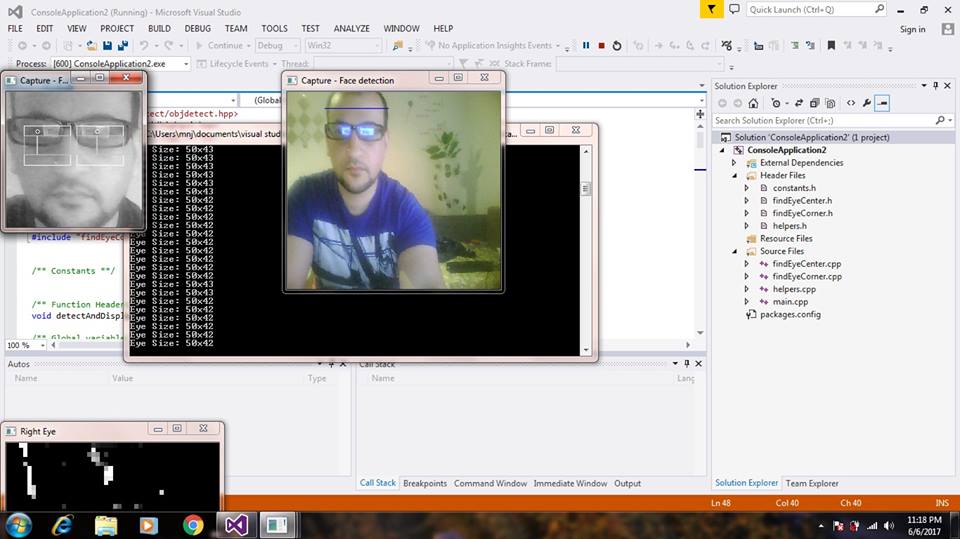
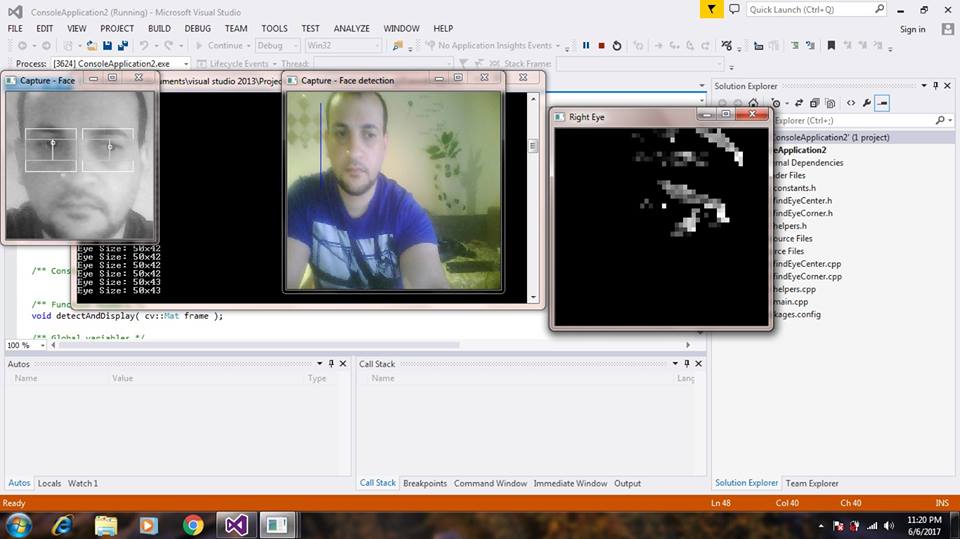
@Aliov#1311 thats nice work. But its really not related to mobile eye tracking 😃
Hi everybody, I was wondering how can I get three dimensional spatial information from a SIFT descriptor. Does the epipolar geometry can help me?
Or better yet, is it possible?
@user-e91538 - what are you attempting to achieve?
@will I am trying to detect the three dimensional coordinates of an object in a scene
The initial thought was extracting the SIFT descriptors from two images of the same scene, match the descriptors and then use epipolar geometry (if possible) to triangulate and extract the depth. But I don't know if this is correct
@will any suggestions? What I would like to get is the depth of every SIFT descriptor in the image
@user-e91538 I do not have any recommendations for you at this time. This approach seems like it might be quite noisy though
Hello, I am a student doing summer research using the pupil as an additive tool to my project. I installed the driver, but don't see it on my device manager. Is something wrong?
@NDstudent4 what version of Windows are you using? Do you have admin privileges?
Please note that we only officially support Win 10 64 bit.
hello, I ve been trying to launch the simple python script "notification overview" ( https://github.com/pupil-labs/pupil-docs/blob/master/developer-docs/ipc-backbone.md ) to communicate with the ipc backbone, but a lot of error come up when i compile (replace send by send_string and "invalid argument" to send_multipart , so i assume i didn't have the good version of zero mq, in despite i installed it by : " sudo pip3 install git+https://github.com/zeromq/pyre " So far i just had the answer of the requester.send('SUB_PORT') and nothing more.
Since I want to write my code in cpp I tried to install this library ( https://github.com/zeromq/cppzmq ) to continue the project, but now i can't even get the answer to requester.send('SUB_PORT')... I tried to check which port is in use, but the 50020 is not in use anymore.
By the way i m on Ubuntu 16.04, i can run the pupil application from the source. Does anyone have any ideas ? And which version of zeroMq is in use for pupil labs? Thank you
hi, guys
can you help me with a problem in pupil capture. I write here becaouse is very important
sorry * because
I think you should download it from here: https://docs.pupil-labs.com/#python-wheels and this one for msgpack :http://www.lfd.uci.edu/~gohlke/pythonlibs/#msgpack
@user-e91538
My problem is this .. But it is not verify ever, but i have to close and re.open application and change the usb port about 5 times before that the eye1 camera work
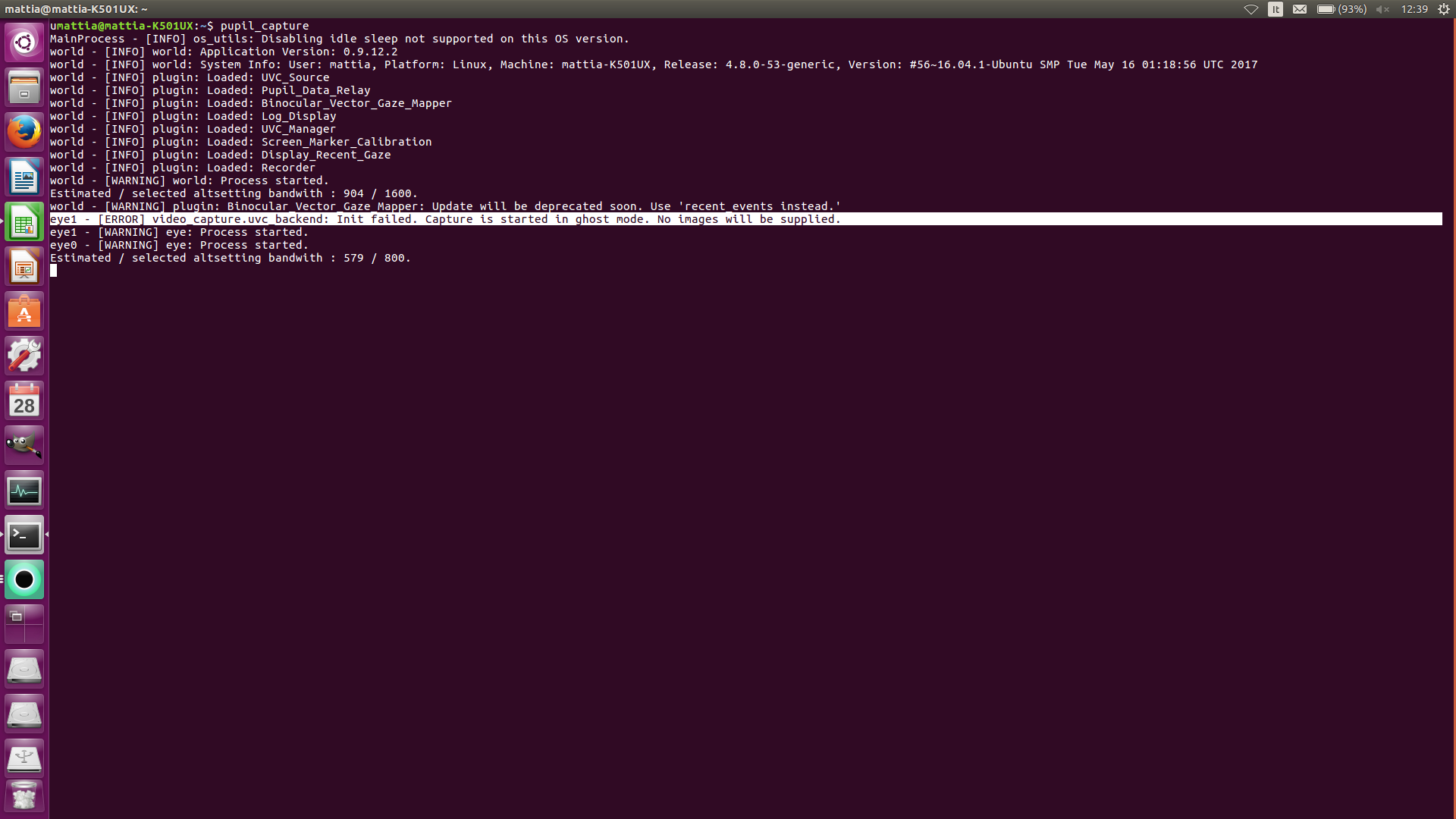
I don't understand the reason , because i think that it is not broken . I hope in your help
In your eye window capture selection, does it allow you to choose that camera manually?
Yes I can.
what happens when you choose it manually? are you still in ghost mode?
Yes . The messages is . The camera is already used or blocked
But if I switch the USB cable from 2.0 port to 3.0 port for 4-5 times , for miracle the eye1 work
I tried this method in the previous versions of pupil so I'm not sure whether it can be helpful or not but try opening your device manager and check which library your eye camera is in? if it's not under libusbk , download a software called zadig and using that software change the library of that certain camera to libusbk
Ok . I try this way . Is it possible that the problems there is because I installed the bundle version of pupil ?
It is my suppose because I am a novice with this instrument and I don't know very Well both ubuntu and the software
I'm not using ubuntu so I don't know about that but I'm guessing other people might have a better idea.
Ok . Thank you @user-006924
@user-e91538 do you have multiple instances of Pupil Capture running on your device? Or multiple instances of Pupil Service running?
Multiple instances or "zombie" processes of Pupil Service will block the cameras (as they are already in use by another process)
Please also try clearing your pupil_capture_settings folder
and restarting Pupil Capture
by clearing I mean deleting the entire pupil_capture_settings folder
@will No no only one .. the pupil service application is closed , therefore only the pupil_capture player running .
did you ever run Pupil Service?
Maybe only once , to see what is this application .
ok, please check System Monitor
to see if other processes are still running
and stop other processes
if they are running
I saw in the system process that only pupil capture of pupil application running now
i try to clear the pupil_capture_setting folder and restarting
@will deleting the pupil_capture_setting folder .. the problems are double 😦 . Now both word_camera and eye1 camera are in ghost mode .
@user-e91538 Did you select the cameras from the Capture selection?
@will Yes. I removed the application and re-installed. Now work both eye1 and world cameras but the folder created is locked. This could be a problem ? i show what i say.
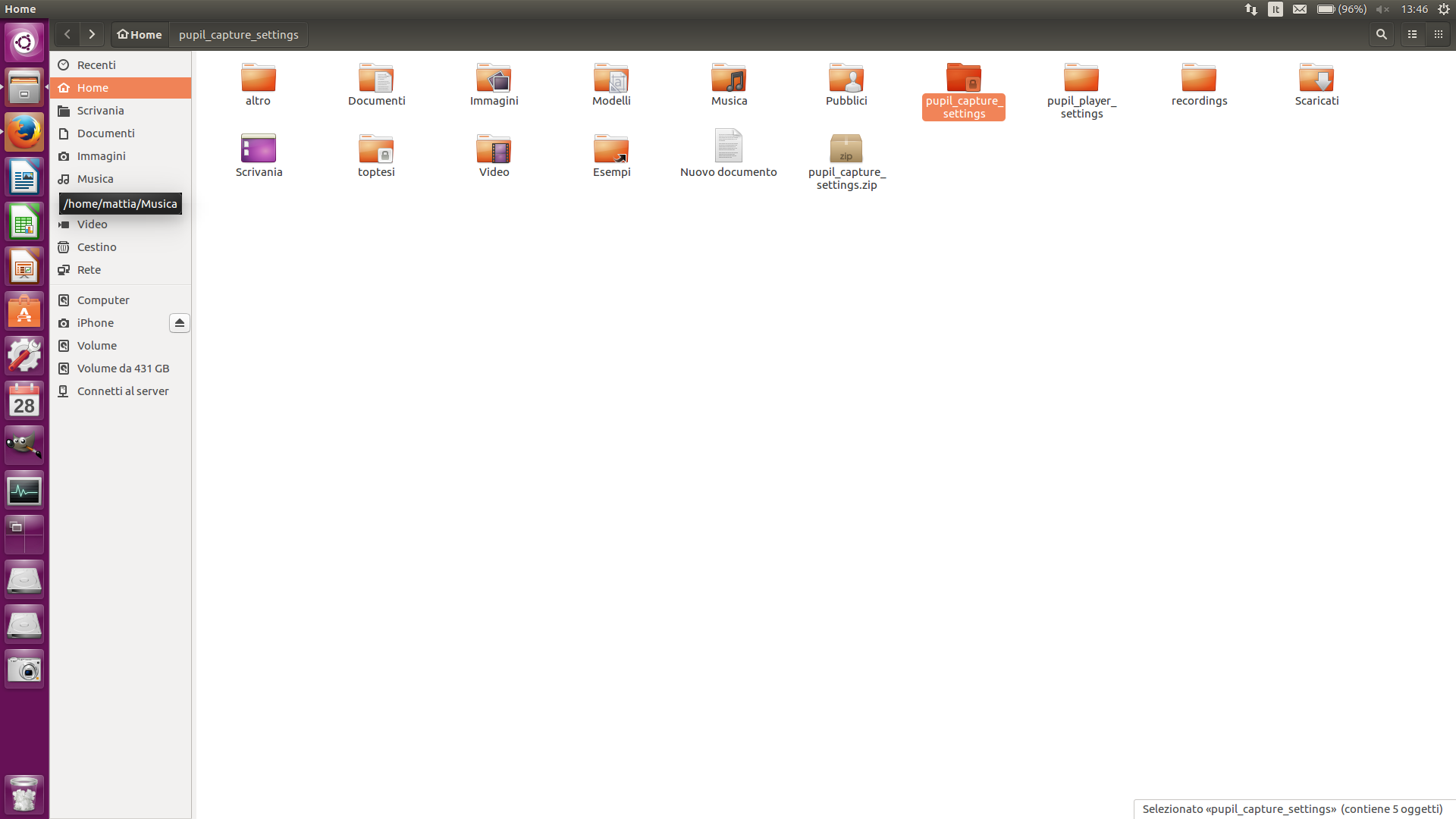
chmod 777 pupil_capture_settings
then delete the dir and Pupil Capture will re-create
why ?
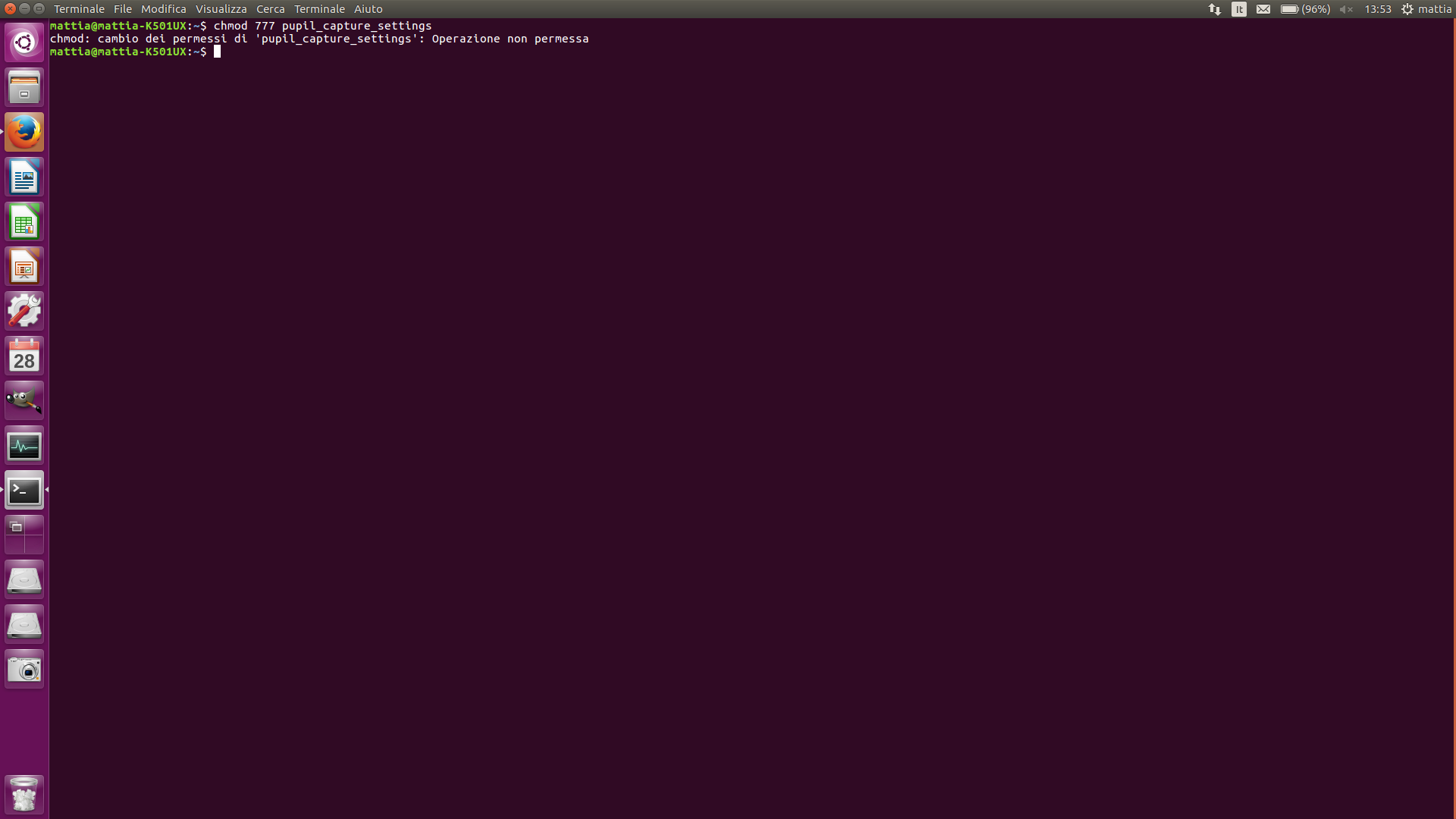
do you have sudo permissions?
Ah.. ok. I missed this . Done . Thanks @will
Now work all both eye and word camera
👍
@will can You help me with a older problem , because it persist again. https://github.com/pupil-labs/pupil/issues/737
Just re-read the issue. Could you be more specific re the current issue?
When I try to export the current image relative to a surface ( create before in the pupil capture ) the only image saved is the heat map .
Did you load @user-41f1bf plugins before exporting?
Yes. But the result are that create the export image folder but is empty
Unfortunately I am not familiar with the plugins that @user-41f1bf has written
@user-41f1bf when you get online could you get in touch with @user-e91538 ?
But the question is . Is it normally that in the bundle version I can export only the heatmap as png. File ??
Offline surface tracker only exports heat maps based on dimensions given and does not export images from the scene
Ah ok . Looking on the pupil channel by YouTube . The video tutorial of pupil player showed that both image exported . Probably there is a step to obtain this result .
Perhaps there is a misunderstanding
I send you the photo of the tutorial video of pupil player offline marker
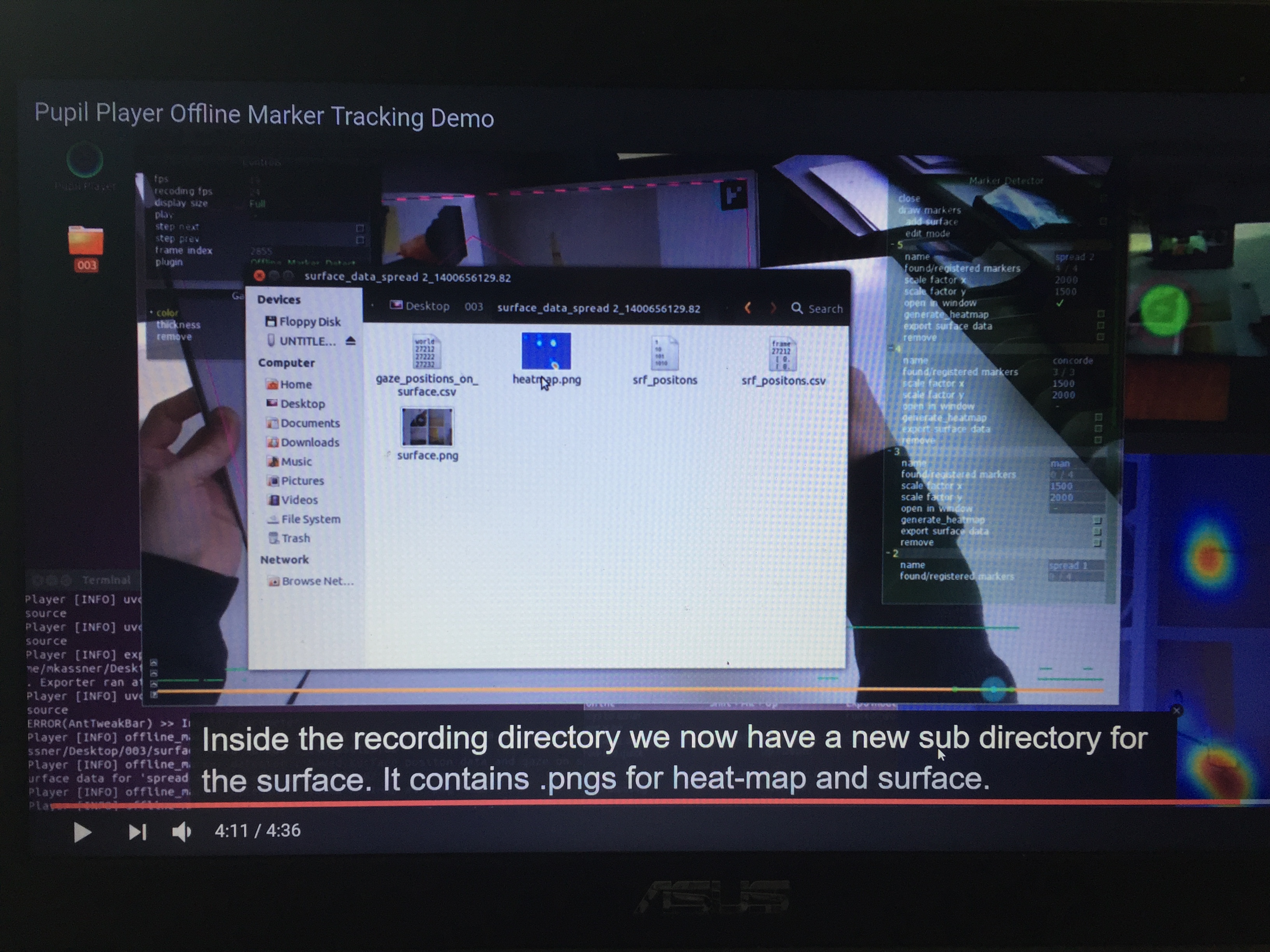
I want to export both heatmap and the surface , as showed in this video .
@user-e91538 this demo video is from 2014 - the exporter only exports the heatmap as png in current codebase
Ah ok . Thanks. Do you know any way to obtain this? I ask this because , in my thesis I have to export 952 curve and superimposition with their heatmap 😅
@will the problem of eye camera in ghost mode came back 😔
Hi, how can solve the problem that during the recording the eyes going out of calibration . Or better if I ask to subject to fixate a particular element before and after the recording the result is not the same even if the level of confidence is often 1.0
@user-e91538 I think you are referring to drift through slippage. Make sure the headset is worn without touching eye-brows and the collar clip is used.
@moritz thanks. I will do attention to this.
@moritz Is it normaly this ? eye0 - [WARNING] uvc: Could not set Value. 'Auto Exposure Mode'.
also for word camera and eye1 camera
yes. this is normal.
@moritz Therefore I cannot use this right ?
if you change the exposure mode you can change it.
How ?
I can change only these
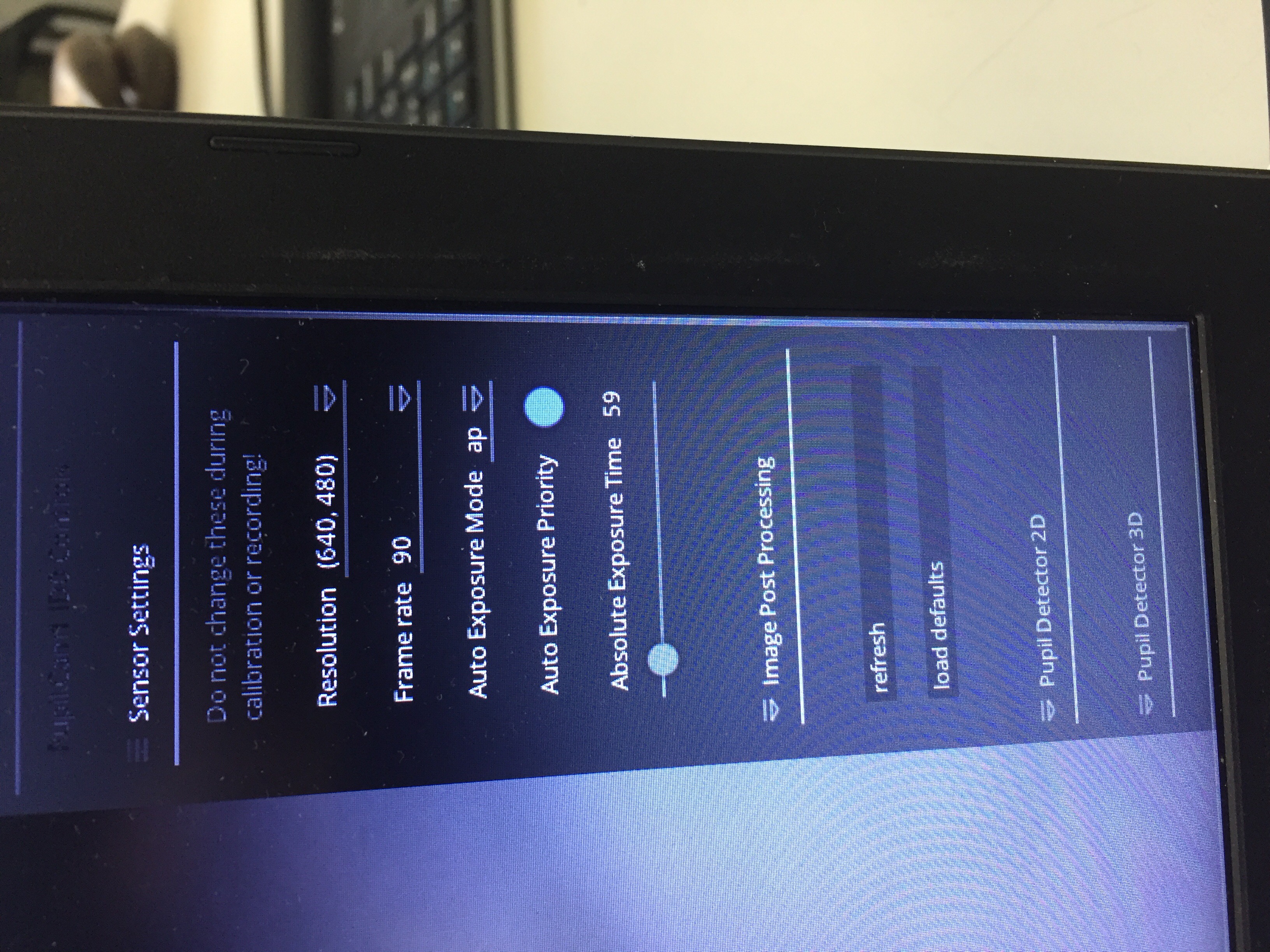
change audto exposure mode to manual and you can change the exposure time.
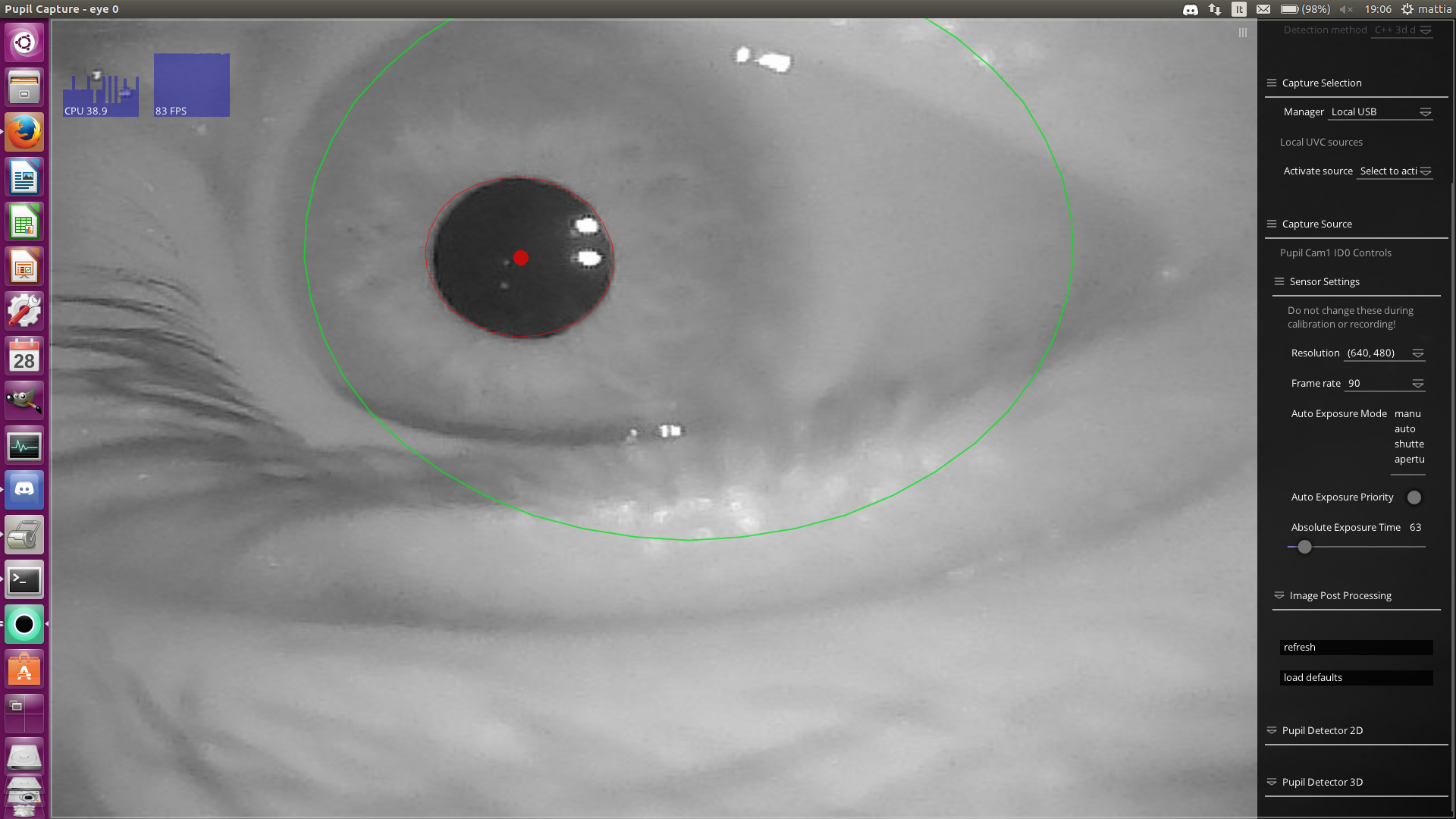
sorry, but maybe i'm not clear. I want change auto exposure mode from "manual" to " auto" .
Hi guys , if I want to analyze the eye tracking on a simulation guide , what are the better calibration methods ? And also What frequency of eye and world camera i have to use ?
hi; In what way i have to read this result ?
2017-06-26 11:36:21,819 - world - [INFO] calibration_routines.accuracy_test: Starting Accuracy_Test 2017-06-26 11:37:12,612 - world - [INFO] calibration_routines.accuracy_test: Stopping Accuracy_Test 2017-06-26 11:37:12,664 - world - [INFO] calibration_routines.accuracy_test: Collected 4923 data points. 2017-06-26 11:37:19,051 - world - [INFO] calibration_routines.accuracy_test: Gaze error mean in world camera pixel: 20.288190 2017-06-26 11:37:19,052 - world - [INFO] calibration_routines.accuracy_test: Error in degrees: [ 3.17522709 3.05694029 1.82212379 ..., 0.44822774 0.44400252 0.46188828] 2017-06-26 11:37:19,052 - world - [INFO] calibration_routines.accuracy_test: Outliers: (array([2799, 2802, 2803, 2804, 2805, 3008, 3009, 3010, 3011]),) 2017-06-26 11:37:19,052 - world - [INFO] calibration_routines.accuracy_test: Angular accuracy: 1.361990699164217 2017-06-26 11:37:19,212 - world - [INFO] calibration_routines.accuracy_test: Angular precision: 0.01974614055573268
and again, when i detect eye1 in the screen, the word view show this :
@user-e91538, could you please define "simulation guide" or provide an example so that we can understand what you're referring to?
@user-e91538 in the accuracy test you can look at results in the GUI of the plugin in the World window
2017-06-26 11:38:21,039 - eye1 - [WARNING] eye: Process started. 2017-06-26 11:38:30,696 - eye1 - [WARNING] uvc: Turbojpeg jpeg2yuv: b'Corrupt JPEG data: 149 extraneous bytes before marker 0xd7' 2017-06-26 11:38:30,699 - world - [WARNING] uvc: Turbojpeg jpeg2yuv: b'Corrupt JPEG data: 345 extraneous bytes before marker 0xd4' 2017-06-26 11:38:30,704 - eye1 - [WARNING] uvc: Turbojpeg jpeg2yuv: b'Corrupt JPEG data: premature end of data segment' 2017-06-26 11:38:30,729 - eye1 - [WARNING] uvc: Turbojpeg jpeg2yuv: b'Corrupt JPEG data: 220 extraneous bytes before marker 0xd2' 2017-06-26 11:38:30,734 - world - [WARNING] uvc: Turbojpeg jpeg2yuv: b'Corrupt JPEG data: premature end of data segment' 2017-06-26 11:38:30,742 - eye1 - [WARNING] uvc: Turbojpeg jpeg2yuv: b'Corrupt JPEG data: 163 extraneous bytes before marker 0xd7' 2017-06-26 11:38:30,753 - eye1 - [WARNING] uvc: Turbojpeg jpeg2yuv: b'Corrupt JPEG data: 154 extraneous bytes before marker 0xd0'
@user-e91538 according to your accuracy test, the results were:
Angular accuracy: 1.361990699164217
Angular precision: 0.01974614055573268
these resultaregood ?
to understand better
@user-e91538 1.36 degrees of angular accuracy is close to physiological limitations, but in our tests we have been able to achieve 0.6 degrees of angular accuracy
the problem could be '?
a bad detection ?
@user-e91538 accuracy is not bad in your test, but could be better 😄
Without seeing a recording of the eye videos (or a whole data set) it would only be a guess on my part in regards to what contributes to this result
low confidenc pupil detection often leads to poor results
or slippage of the headset
The TurboJpeg error - does this happen every time? What are the specs of your machine (CPU, RAM, etc)?
yes. Every time that i open only the eye1 camera.
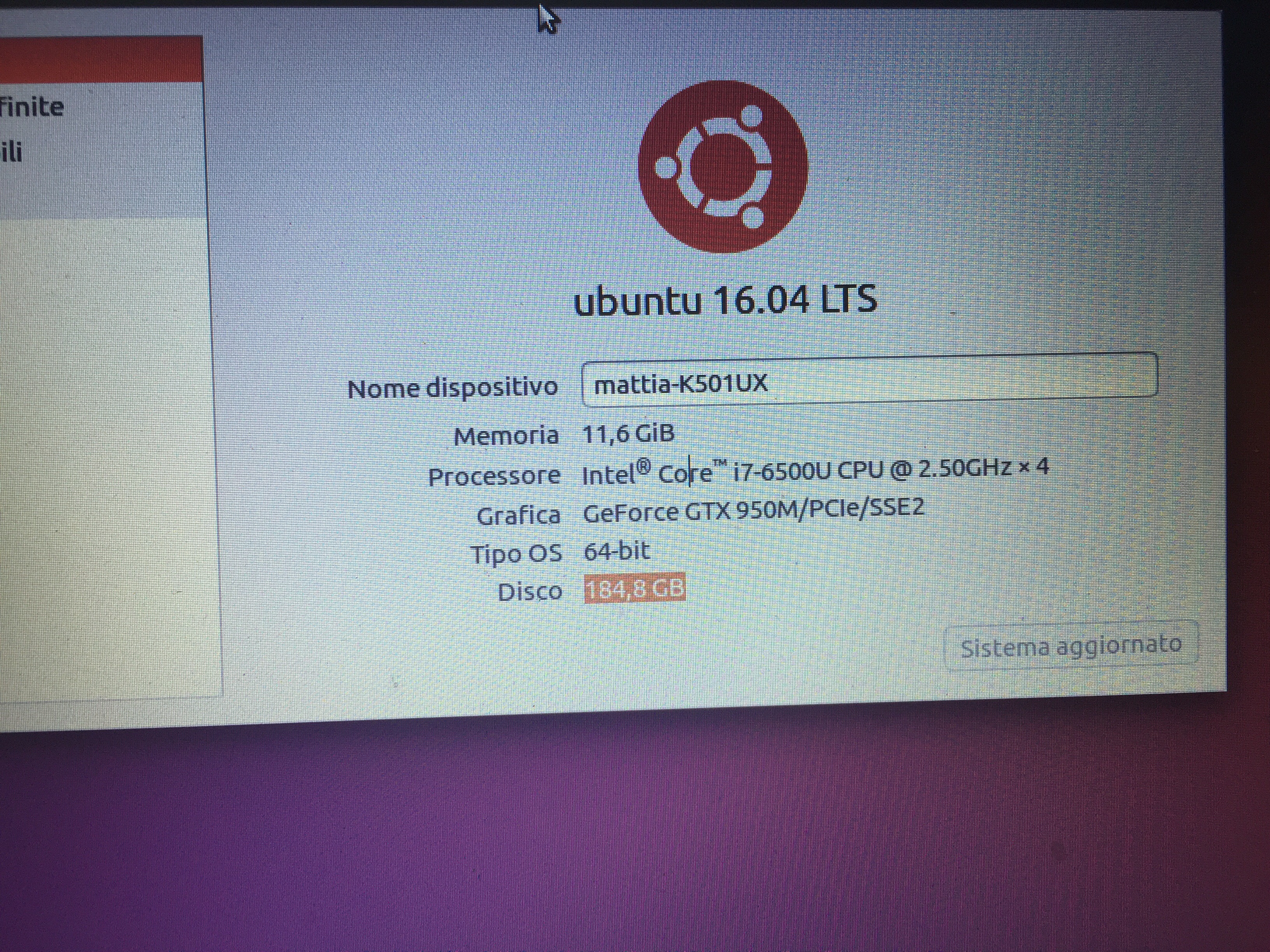
RAM 12 Gb
Hi @user-e91538 but the cameras display images, correct?
Yes, are both on aperture prior and the pupil is ever good detect,
ok, these are warning and can be ignored for the time being
we can adjust bandwidth settings, to reduce the warnings
how ?
This is something that can be done on our end in future releases
but , you have to knwo that, after these messages, some time the eye1 camera shutdown alone and restart from the begin, and every time i have to change the parameters of exposure, ROI, Hz, and so on
@user-e91538 can you send us the full log of one of your sessions?
@will For the first request about the simulation guide. I have to analyze the eye movement of a number of peoples during driving in a simulation environment.
ok i try to copy now a log of a session
the logfile is in the pupil_capture_settings folder btw.
@moritz I opened the application , changed the exposure from manual to aperture prior and imoved the eyse from right to left only .. no calibration, no anythings
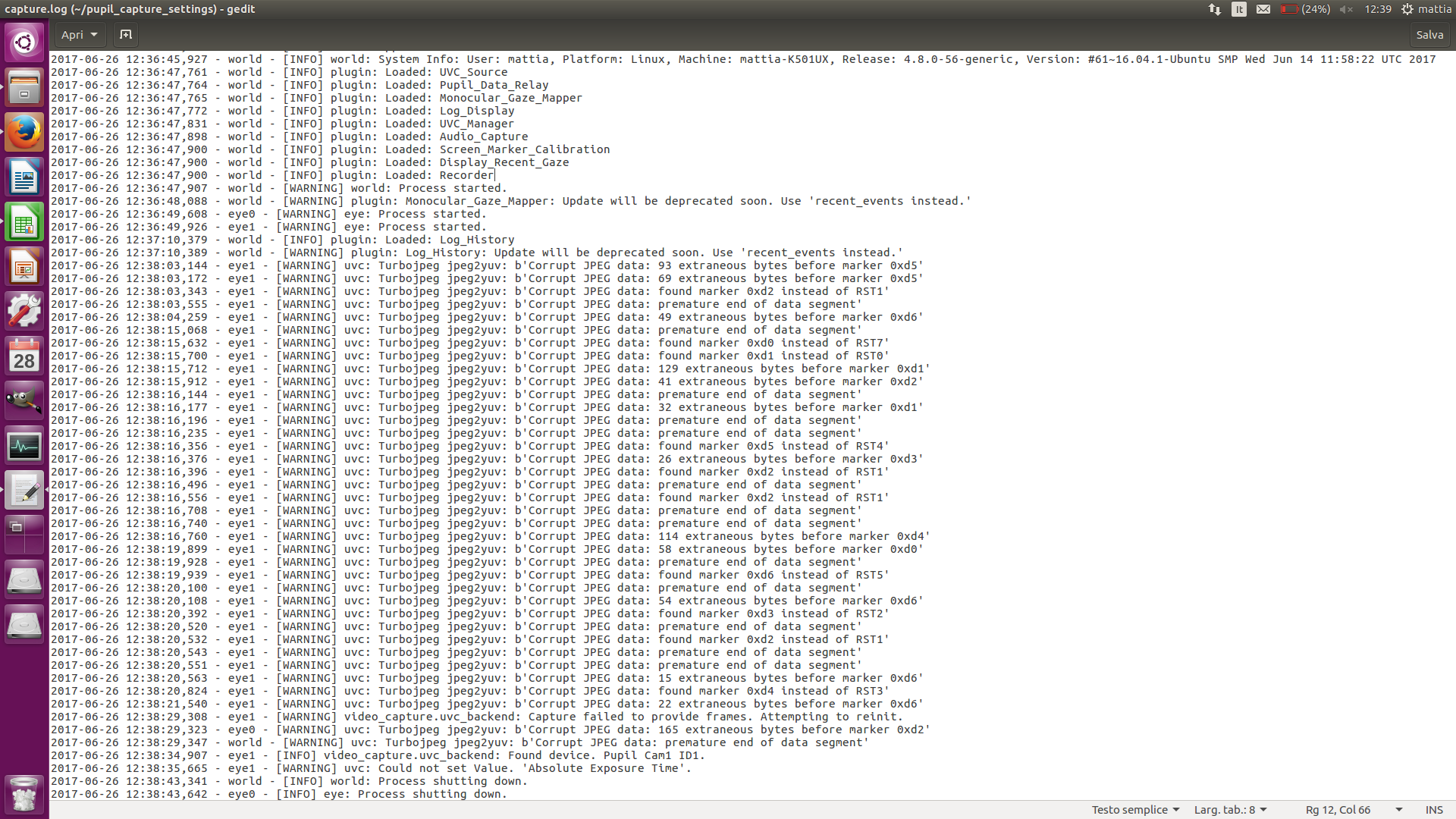
Hi, can you post the same with default settings and without changing eye camera settings?
please also do a calibation.
thank you!
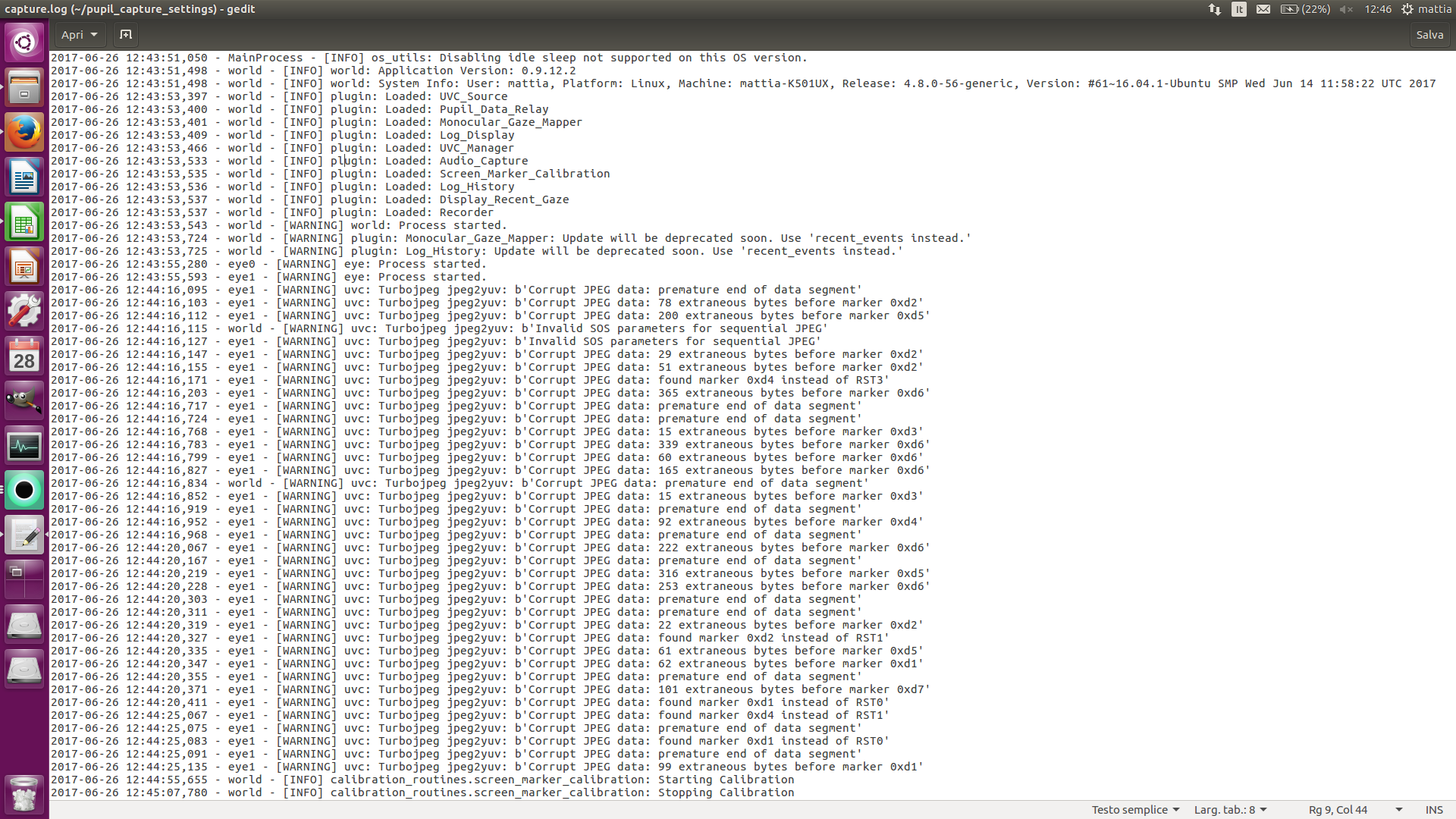
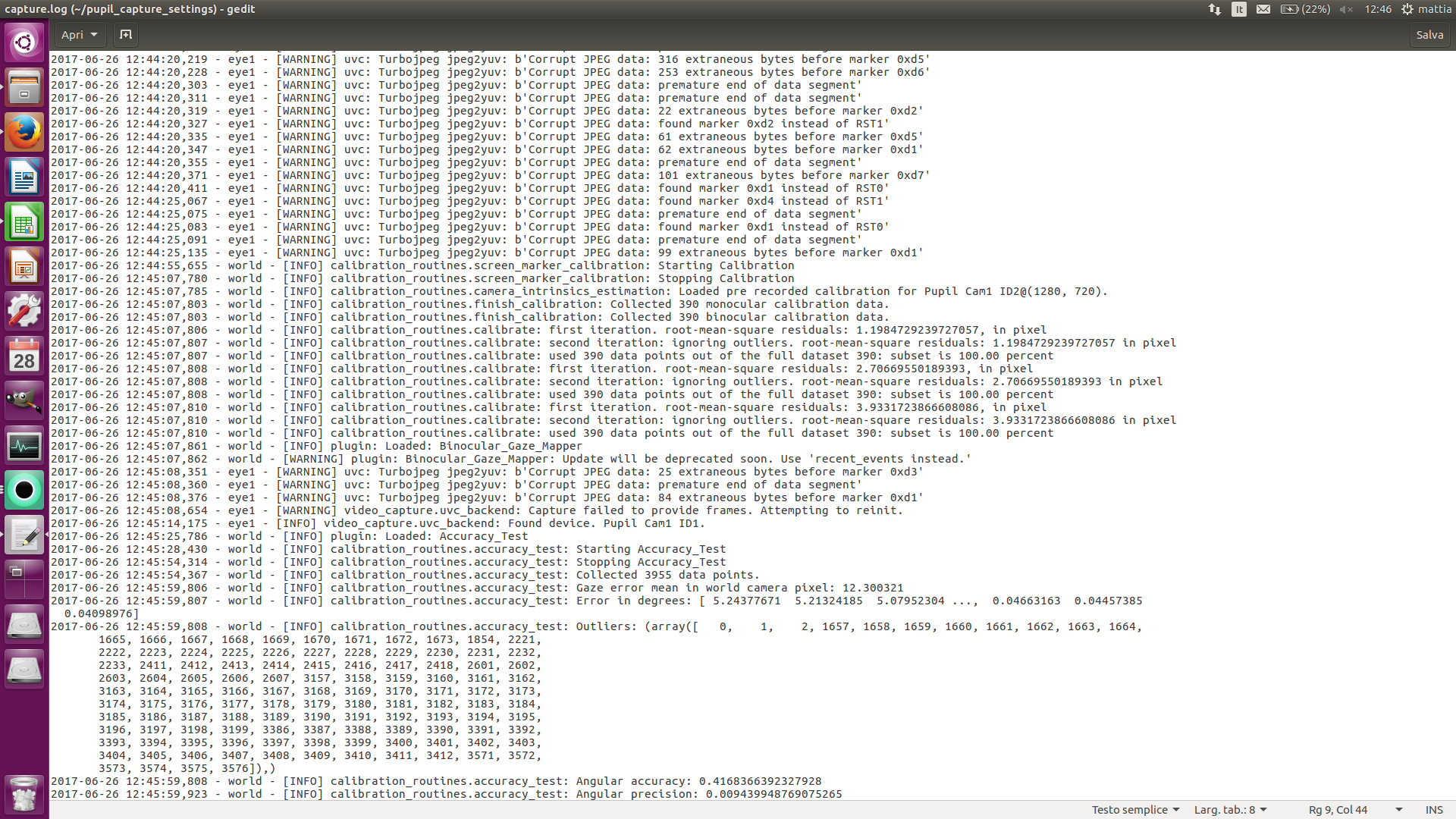
@moritz I followed your indications
can you post the logile instead of a photo of it?
thank you!
you can attach files. Please dont past the log like this!
I deleted your last post.
ah ok ..
no worries 😃
i send again the log files
this is the first page
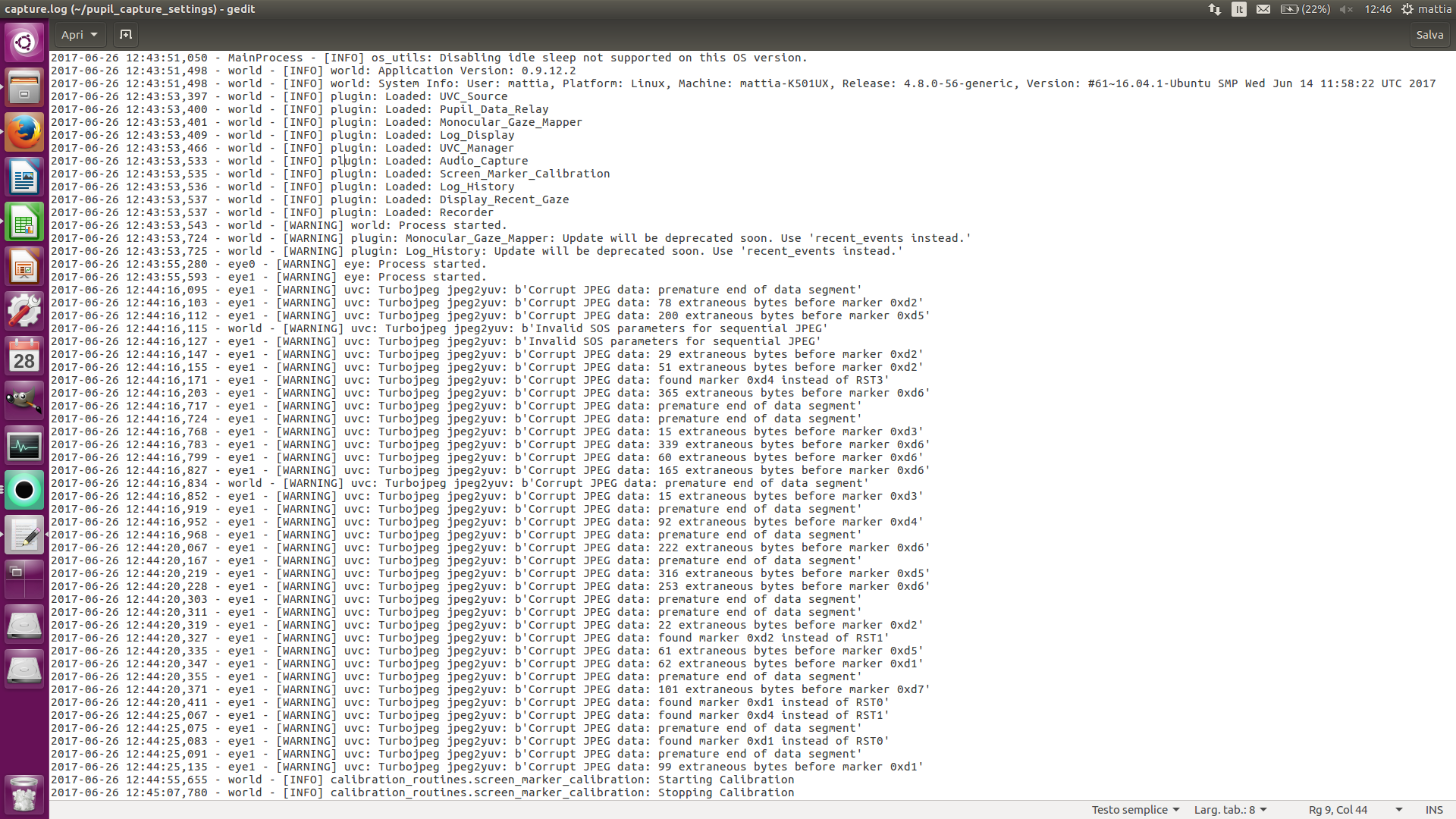
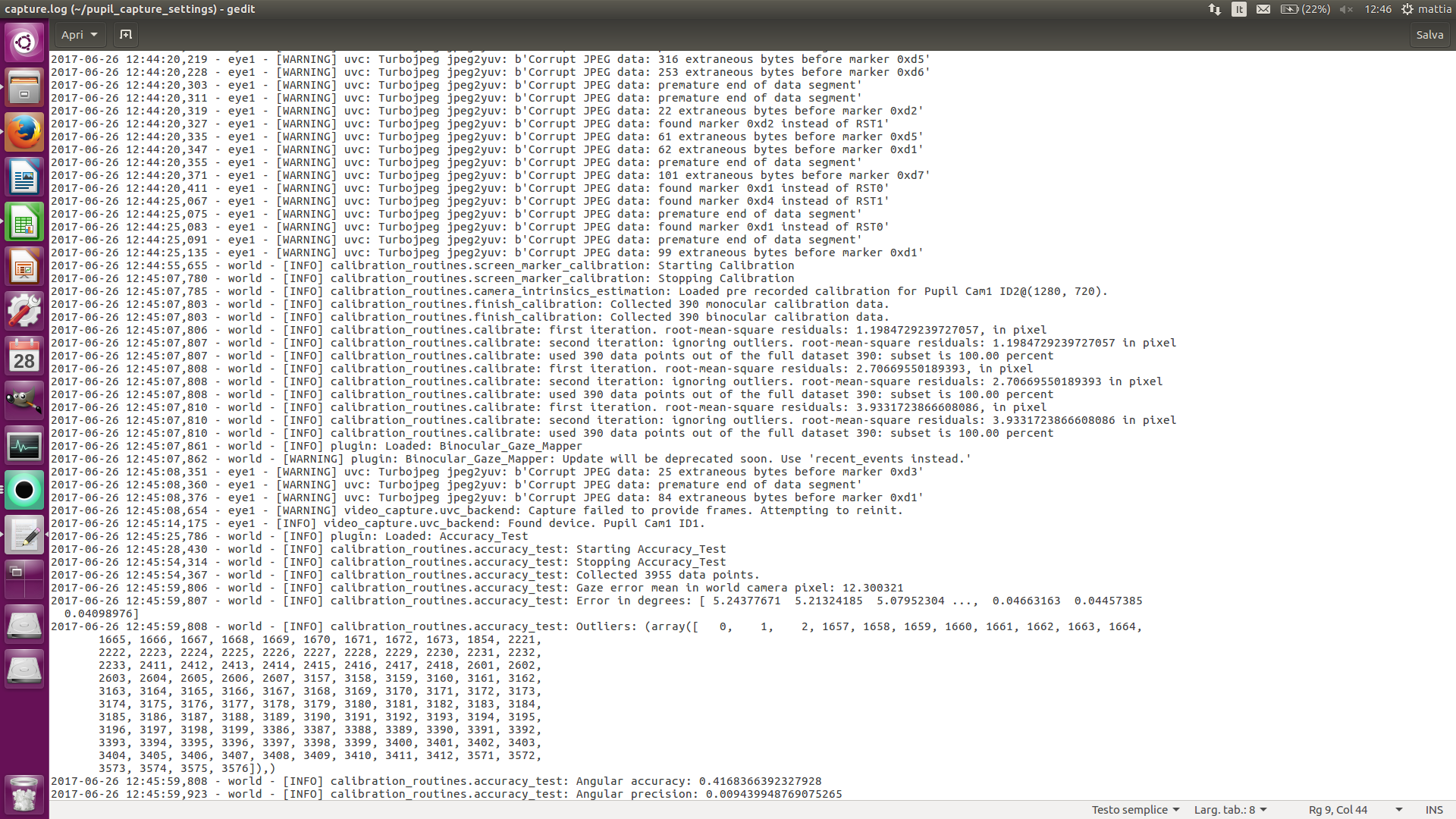
you see the photo now ?
@user-e91538 - I think Moritz is asking you to literally drop the .log file here
not screenshots
so that we can read the log file in a text editor on our computers
I 'm sorry but now , i have to do a simulation guide to a test driver for a time of 40 minutes' , therefore i will read your response after this . Thank you for your help
@user-e91538 thank you for your log. I can see that the eye1 camera is not functioning with 100% stability. We will send you a replacemnet cameras if you want.
@moritz sorry for my later, thanks for your analysis , but this afternoon , I will have a meeting with my professor and will talk about also this and after , I think that he will contact you.
By email
@user-e91538 ok sounds. good. The replacement will be free in case that was not clear.
@moritz ok thanks , but we have to send all pupil headset ? Because if you send only the eye camera the problem is that we don't know how to put on pupil headset 😅
Hi @user-e91538 no we just send you the camera. Replacement is super easy.
to me more perscise we send you the left camera arm with camera.
Ok . I will talk with the professor and in this afternoon I contact you
[email removed]
@moritz sorry but the meeting with my professor will be on 28 of this month . I will talk of this problem with the headset and , he will write you. Thanks for your help
hey everyone~ i started working with a pupil labs eye tracking device a couple weeks ago, and have a quick question: when readjusting the eye cameras for optimal calibration with my hands, i noticed that they seem to get extremely hot. I'm worried that this might damage the device. Is it normal for the eye cameras to become so hot? thanks in advance 😃
@user-f0de5d the cameras do get hot. This is normal for 120fps capture devices of this sice with this sensor.
Hello everyone, My Pupil Player App has stopped working. The .exe files opens for couple of seconds shows several messages but closes itself before I can read anything. Does anybody have any suggestions of how I could fix this issue? It was working just fine couple of weeks ago .
@NahalNrz#1253 please delete settings and try again!
Hi all,
I encounter a problem when using the binocular pupil-lab eye tracker. Specifically, when I use data gaze_point_3d published through network, the gaze_point_3d is not so reliable as the 2-D gaze. See the attached video. https://youtu.be/QQo5TEK95qE
The left view shows the eye_position_3d with respect to the scene camera (white plane) the gaze normals of the two eyes. The cyan line segments correspond to the gaze_normal_3d. It can be seen that the gaze_normal_3d keeps flipping from time to time, however, the gaze normal of both eyes are much more stable so is the predicted gaze (represented by the red dot in the right view).
I wonder why is that? Also, can I get the 2-D gaze (represented by the red dot) directly from the published data ? If yes which one corresponds to it?
I also raised the same question through dicord. Thanks in advance.
{"confidence":0.99, "norm_pos":[0.550466, 0.274002], "topic":"gaze", "gaze_point_3d":[48.9605, 238.669, 1351.43], "gaze_normals_3d":{0:[0.0211797, 0.122824, 0.992202], 1:[0.0628398, 0.199657, 0.977849]}, "base_data":[{"method":"3d c++", "confidence":0.99, "model_birth_timestamp":2.06285e+06, "id":0, "sphere":{"center":[0.98457, 3.73961, 38.1541], "radius":12}, "phi":-1.96718, "timestamp":2.06302e+06, "model_confidence":0.00419915, "projected_sphere":{"center":[335.999, 300.768], "angle":90, "axes":[389.997, 389.997]}, "diameter_3d":4.2213, "norm_pos":[0.371559, 0.306229], "topic":"pupil", "model_id":607, "diameter":97.2117, "circle_3d":{"center":[-3.64677, 4.06414, 27.0886], "normal":[-0.385945, 0.0270438, -0.922125], "radius":2.11065}, "ellipse":{"center":[237.798, 333.01], "angle":-14.2401, "axes":[83.2818, 97.2117]}, "theta":1.59784}, {"method":"3d c++", "confidence":0.99, "model_birth_timestamp":2.06283e+06, "id":1, "diameter":103.541, "phi":-2.01272, "timestamp":2.06302e+06, "model_confidence":0.461091, "projected_sphere":{"center":[327.654, 190.336], "angle":90, "axes":[403.601, 403.601]}, "diameter_3d":4.34627, "norm_pos":[0.330862, 0.729719], "topic":"pupil", "model_id":428, "sphere":{"center":[0.455143, -2.95328, 36.8681], "radius":12}, "circle_3d":{"center":[-4.62459, -4.6641, 26.1318], "normal":[-0.423311, -0.142569, -0.894696], "radius":2.17314}, "ellipse":{"center":[211.752, 129.735], "angle":24.7067, "axes":[81.7466, 103.541]}, "theta":1.42774}], "eye_centers_3d":{0:[20.7631, 15.2501, -17.6744], 1:[-39.8838, 13.3539, -20.7896]}, "timestamp":2.06302e+06}
-- Shuda Li
Hi @user-db4664 the gaze intersection logic does not filter for intersections that are (wrongly) on the wrong side. We should propably improve on that! You should use the gaze normals for more stable results. The 2d gaze point would be "norm_pos" the units here are the scene camera width and hight. If you multpy by that you will get the position in pixels.
Many thanks for the quick reply, I ll give it a try. Also, had norm_pos taken into account the lens distortion or not? Is lens distortion precalibrated, how can I retrieve the lens distortion parameters?
norm pos takes lens distortion into account. meaning that the 3d point gets distorted accoring to the lens distortion during backprojection onto the world camera view.
I see
How about the distortion parameters , or I have to do a calibration by myself?
we use a precalibration but you can improve on that if you run the camera clibration plugin.
Oh I see. I haven't tried the calibration plugins yet. Will do. Many thanks, it's very helpful!
Hi guys, if I want us the monocular detection , the capture ( for 3D detection ) show a parameter called gaze distant mm .how can I read this ?
since the monocular mapper cannnot know depth we assume a distance of 500mm. You can change this here but I recommend leaving it as is.
@moritz thanks.
@moritz I wrote you in private mode for the problem that we have discuss on the Monday linked to eye1camera
hello every one ... does any one have idea how i can calculate the iris size using open cv ?
Hi All,
I encounter another issue while using the norm_pos which suppose to correspond to the 2-D gaze of the pupil Lab. See the attached video: https://youtu.be/2PCmgwLAXy8
The left view is the gaze direction using 2-D position transformed from the norm_pos and right view is the original view of pupil-lab capture (I'm using version v0912_window_x64 ). Theoretically, the gaze of both views should be well synchronised, however, it is obviously not the case.
I interpret the norm_pos according to the documents of the pupil lab:
the norm_pos is the 2-D normalized coordinate: We use a normalized coordinate system with the origin 0,0 at the bottom left and 1,1 at the top right.
x_pixel = norm_pos[0] * screen_width (1280) y_pixel = (1 - norm_pos[1]) * screen_height (720)
I also tried what mpk said on discord: The 2d gaze point would be "norm_pos" the units here are the scene camera width and hight. If you multpy by that you will get the position in pixels.
x_pixel = norm_pos[0] * screen_width (1280) y_pixel = norm_pos[1] * screen_height (720)
Neither way, can I get the predicted gaze synchronised with the red dot of pupil-lab capture. I wonder why is that?
Best regards,
@user-db4664 this does not only look like a different position but differen temporal correlation. How do you choose what gaze point goes the what frame in your export?
@moritz. Yes, there is a small lag of the gaze that causes the temporal correlation, but the poor spatial correlation is the main issue. For example, norm_pos[0] can never reach values close to 1, which corresponds to the area close to the right boundary of the images.
the code that draws the point does nothing but take "norm_pos" from gaze and draw it on the screen more or less as you described.
yeah, that's right.
I also have synchronisation check to dicard data too old (longer than 0.1 second)
I also notice that the timestamp published by the pupil lab capture is limited to "timestamp":2.06302e+06
I meant that our code does nothing but that.
my codes does just x_pixel = norm_pos[0] * screen_width (1280) y_pixel = (1 - norm_pos[1]) * screen_height (720)
why I could not get the same thing as you do?
seem correct.
are you using gaze or pupil data here?
{"confidence":0.99, "norm_pos":[0.550466, 0.274002], "topic":"gaze", "gaze_point_3d":[48.9605, 238.669, 1351.43], "gaze_normals_3d":{0:[0.0211797, 0.122824, 0.992202], 1:[0.0628398, 0.199657, 0.977849]}, "base_data":[{"method":"3d c++", "confidence":0.99, "model_birth_timestamp":2.06285e+06, "id":0, "sphere":{"center":[0.98457, 3.73961, 38.1541], "radius":12}, "phi":-1.96718, "timestamp":2.06302e+06, "model_confidence":0.00419915, "projected_sphere":{"center":[335.999, 300.768], "angle":90, "axes":[389.997, 389.997]}, "diameter_3d":4.2213, "norm_pos":[0.371559, 0.306229], "topic":"pupil", "model_id":607, "diameter":97.2117, "circle_3d":{"center":[-3.64677, 4.06414, 27.0886], "normal":[-0.385945, 0.0270438, -0.922125], "radius":2.11065}, "ellipse":{"center":[237.798, 333.01], "angle":-14.2401, "axes":[83.2818, 97.2117]}, "theta":1.59784}, {"method":"3d c++", "confidence":0.99, "model_birth_timestamp":2.06283e+06, "id":1, "diameter":103.541, "phi":-2.01272, "timestamp":2.06302e+06, "model_confidence":0.461091, "projected_sphere":{"center":[327.654, 190.336], "angle":90, "axes":[403.601, 403.601]}, "diameter_3d":4.34627, "norm_pos":[0.330862, 0.729719], "topic":"pupil", "model_id":428, "sphere":{"center":[0.455143, -2.95328, 36.8681], "radius":12}, "circle_3d":{"center":[-4.62459, -4.6641, 26.1318], "normal":[-0.423311, -0.142569, -0.894696], "radius":2.17314}, "ellipse":{"center":[211.752, 129.735], "angle":24.7067, "axes":[81.7466, 103.541]}, "theta":1.42774}], "eye_centers_3d":{0:[20.7631, 15.2501, -17.6744], 1:[-39.8838, 13.3539, -20.7896]}, "timestamp":2.06302e+06}
here is a message, I recieved. I am not sure what gaze or pupil data you mean
@user-db4664 do you get yout data using pupil remote?
no, I get data using pupil capture
Using a plugin?
frame buffer publisher plugin
yest pupil remote plugin
so you modified such that it draws gaze positions into it before publishing the frames?
can you post the code in a gist?
@papr, no, I receive both original scene image and data on my client-side applications and then draw the gaze position into the scene image and display it in my application.
I'll provide my code, I'm working on it
Ok, the frame has its own timestamp. You can use it to correlate it with the gaze position's timestamp
@papr do you mean that if the frame and its own timestamp are packed together in a multipart message?
and it is different from the timestamp of the data
so you subsribe to two topics, frame.world and gaze, correct?
gaze should be a 2-part message, frame a 3-part message
yeah
I see
where the first part ist the topic, the second par a msgpack-serialized dictionary and the third one the image buffer
and this dict in the 2nd part always contaisn a timesamp
this timestamp can be used to correlate multiple datums of different kinds
BTW, is the unit of timestamp in second? "timestamp":2.06302e+06
yes. the unit is seconds. The EPOCH is settable
usually by default its the starttime of the computer.
Is that say, if I set it as the startime of the pupil application, I should be able to get a much higher precision?
I didn't reboot my pc for weeks
I think you should already have enoug. Its a 64bit float.
enough*
no, the message that I recieved just gives me this much precision, "timestamp":2.06302e+06, nothing more
obviously, not all of the effective digits of the 64-bit float timestamp has been packed into the multi-part message.
you can set the epoch via pupil remote
cool, thanks
@papr
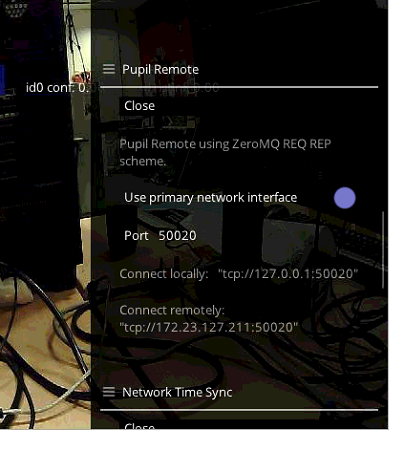
sorry, where can I set the epoch time? I'm using v0912 windown x64
dont worry, I'll just reboot my system and see if it improves things. Also, I would like to investigate the synchronisation between the gaze and frame publisher to ensure the temporal correlation, but I doubt it is the reason. I'll get back to you tomorrow. Anyway, thanks for your timely response.
@user-db4664 https://github.com/pupil-labs/pupil-helpers/blob/master/pupil_remote/pupil_remote_control.py#L41-L43
You set it remotely using the Pupil Remote protocol.
@papr Many thanks for the hint! The precision of the timestamp problem is now solved. See the attached image.

nice
I am now working on the synchronisation between frame publisher and gaze data
I'll get back to you
thanks again papr!
no problem, happy to help
😃
Some none technical question here: Is there some serialnumber for the pupil devices?
@user-e91538 No, unfortunately not.
ok thanks for the quick answer
No problem. May I ask for the use-case?
Pretty simple, we need to inventory the glasses as well as the htc vive integration
I see. An idea would be to add a sticker to the usb-clip part or to add a tag around the cable near the clip
thanks for the recommondation, I think the bureaucracy needs to be put back in this case
the device already got some inventory sticker, that should be enough
@user-e91538 please use the orderid as SN if possible.
@moritz There can be multiple devces in an order, can't they?
in that case please add a digit.
ok, i'll the the orderID-1 and orderID-2 for each of the devices
cool
Hi All,
Thanks for papr's help now I have synchronise the gaze with frame publisher. But as I predicted the problem of gaze interpretation remains. See the attached two videos:
From video, I show both the pupil lab views and my applications. In my application, I use the message published by pupil-lab capture (Not remote) to visualise the 3-D gaze and 2-D gaze motion. As you can see, the synchronisation cannot be a problem because the 3-D gaze are well synchronised with the pupil lab capture.
However, the 2-D gaze seems not right.
I also notice that there are 3 norm_pos is the gaze pupil multipart message and they all have different values, it's probably because I used incorrect norm_pos??? which one I should use? Many thanks!
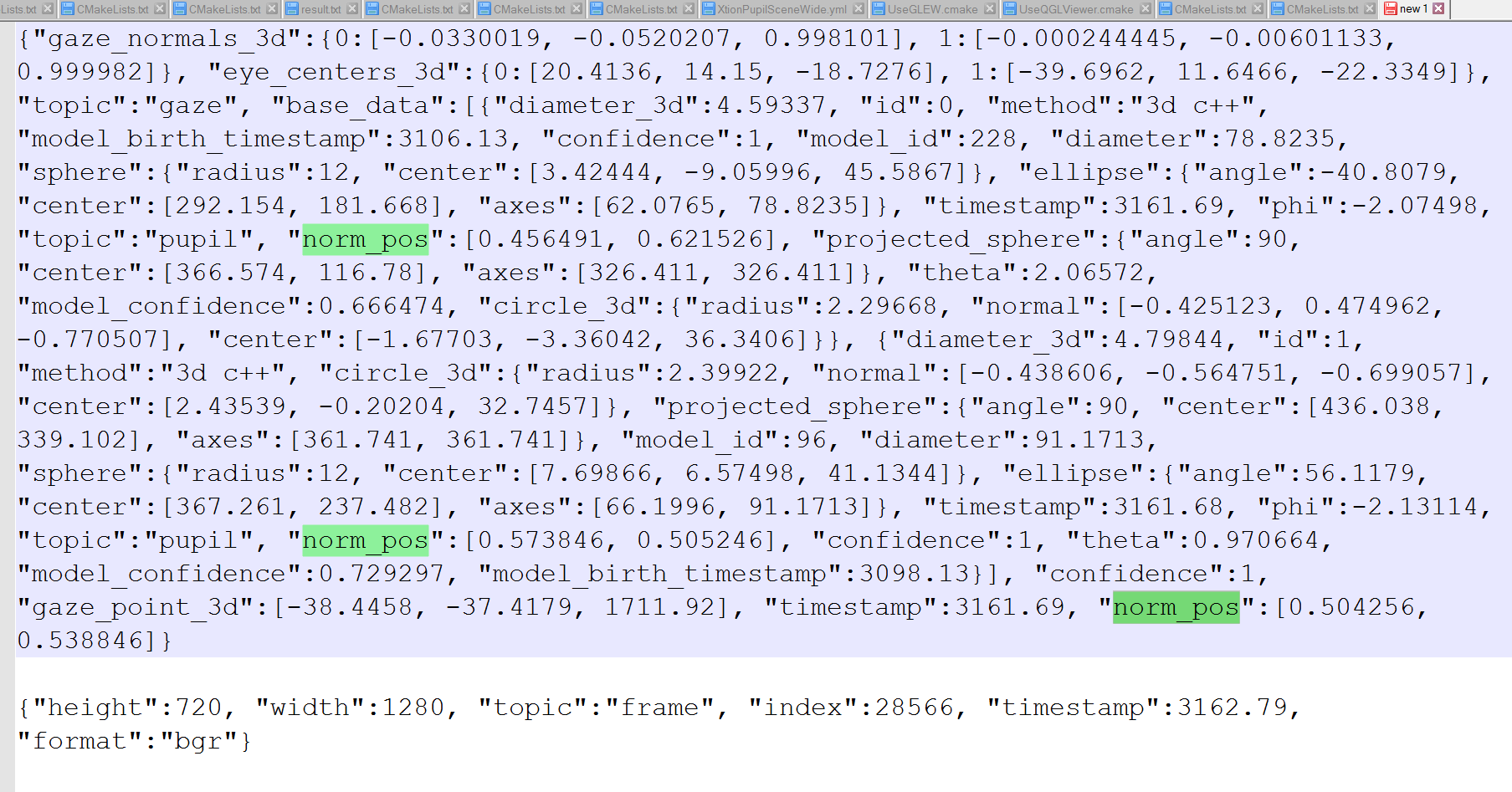
@user-db4664 The gaze object is a mapped point based on one or two pupil positions. These pupil positons are added under the field base_data of the gaze datum. These pupil positions contain norm_pos fields as well, but are relative to the eye window.
I see,
Therefore my guess is that you are visualizing pupil positions and not gaze positions
These are of course meaningless in the world view
okay
so the third should be the correct norm_pos that I should use?
Yes. The gaze datum is a hiearchical dictionary. The correct gaze norm_pos should be in the top level
Because I using c++, so I can't make use of hierachical dictionary to parse the message. so the norm_pose immediately follows topic:"pupil" are the pupil centre position, yeah?
So is your print-out above a python or c++ output?
the keys are not guaranteed to follow the pupil topic. Python dictionaries do not guarantee ordered entries.
it's c++ print-out
cool I think I get it
{ "base_data" : [{...}, {...}] }
okay
many thanks papr, it's very helpful. I'll get back to you if I manage to do it in the right way
so you do have hiearchical access?
no, I don't but I can just use some trick to pick up the right norm_pos
ok, what ever works in c++ 😃
yeah 😃
It works now
I presume you also have a filter to remove unreliable norm_pos?
How do you do that?
yes, we clip the value to some multiple of 1, since the values are supposed to be within 0 and one
this happens often when the confidence is low. e.g. you could only use gaze positions with a confidence of >= 0.7
I see!
cool, thanks papr!