
Hi there, I am using the Core built for the Vive for a project using a different VR setup, and I am trying to learn how to calibrate it manually (post hoc is okay), without a world video. Essentially, I want to play a video with a calibration portion in the beginning and be able to set the coordinates properly using that portion, then track eye movement through the rest accurately in 'screen coordinates'. I am new to PTC stuff so I was wondering if there is a recommended method for achieving this. I am open to using a specific calibration video or something, but I am mostly interested in the transform between the 2d c++ coordinates and the 'world view' or screen coordinates. The 3d method does a good job of mapping this, but isn't quite as accurate in the same range of positions as the 2d (from what I've seen) so I was hoping to use that. If there is something in the documentation or code I've missed, please let me know!
Hi @user-a2077d , are you familiar with our Unity plugin, called hmd-eyes?
I'd like to use gaze-to-object mapping to annotate at recording time in Unity. Are there alternatives to Tobii's G2OM that do this job accurately? Can it be done with XRI's Gaze Interactor?
Hi @user-ef050f , I cannot speak for the Tobii G2OM software. Our Unity integrations are only compatible with the Pupil Core VR Add-ons and Neon XR setups that we provide.
May I first confirm that you are using a Pupil Core VR Add-on?
Hey, im pretty new to Eye tracking but always wanted to get to know more. Now i got the Htc vive pro with pupil labs eye tracking and my goal is to be able to use it in vrchat. The cameras work but i have no idea how to continue. Would be nice if someone could help me out ^^ Kind Regards
Hi @user-9d5d9f , I've moved your message to to the 🥽 core-xr channel. So, this is in principle possible with the Pupil Core VR Add-ons, since VR Chat has an Eyetracking API, but it will require some programming to connect it with Pupil Core's Network API. Aside from that, I am not sure how you would do a calibration in the context of VR Chat. You might need to adopt the methods from our hmd-eyes calibration example and then use the result of that calibration.
Overall, our latest eyetracker, Neon, would be much easier to use in this context, as it is deep-learning powered & calibration-free, while offering a more powerful, yet simpler, Real-time API.
Hey, i found a software that should work. But my cameras do not seem to be working correctly. I do get an image from both, but the left eye IR diodes seem broken
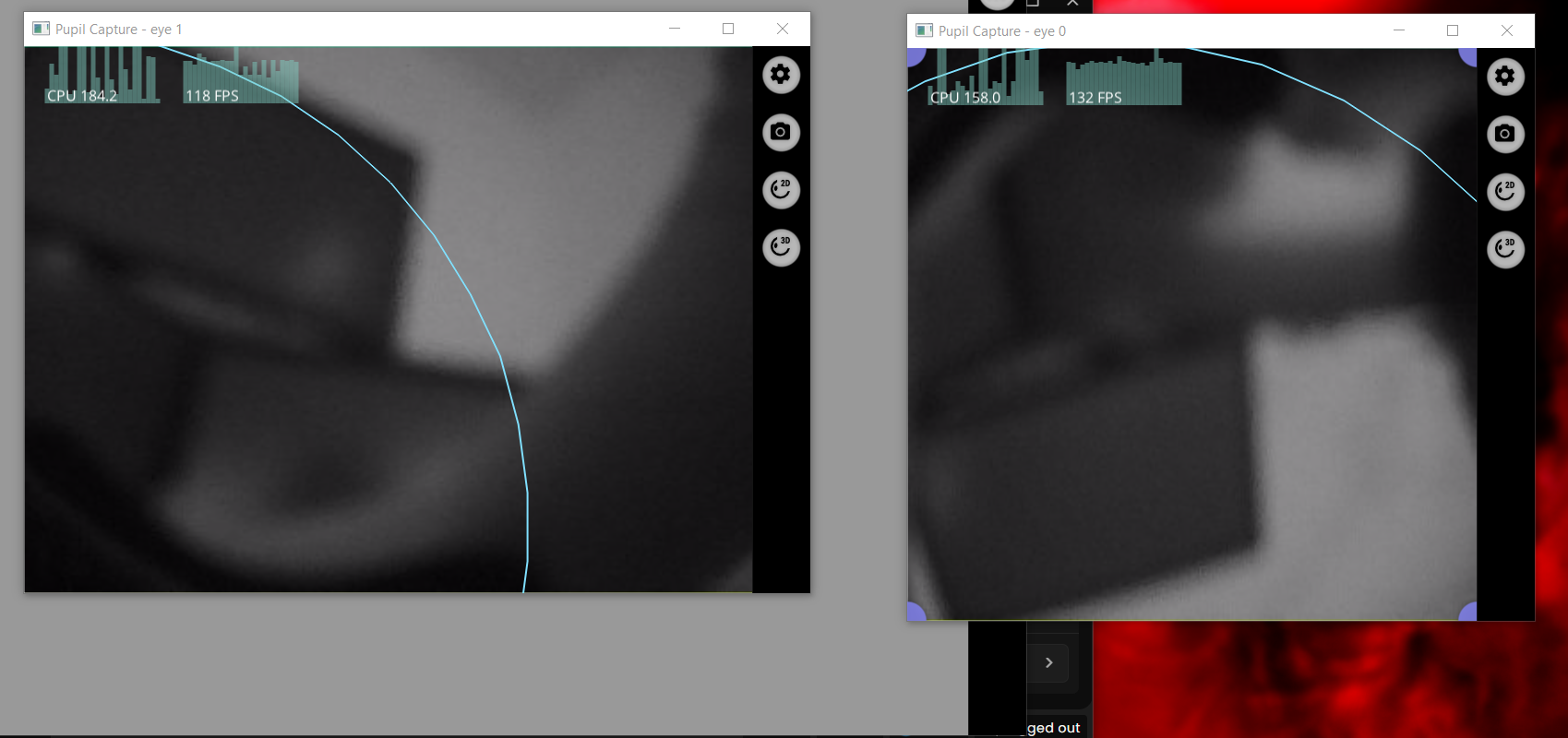
Hi, @user-9d5d9f. Can you please try restarting pupil capture with default settings. Does the IR image still seem dark?
this is what it look like when i put on the Headset
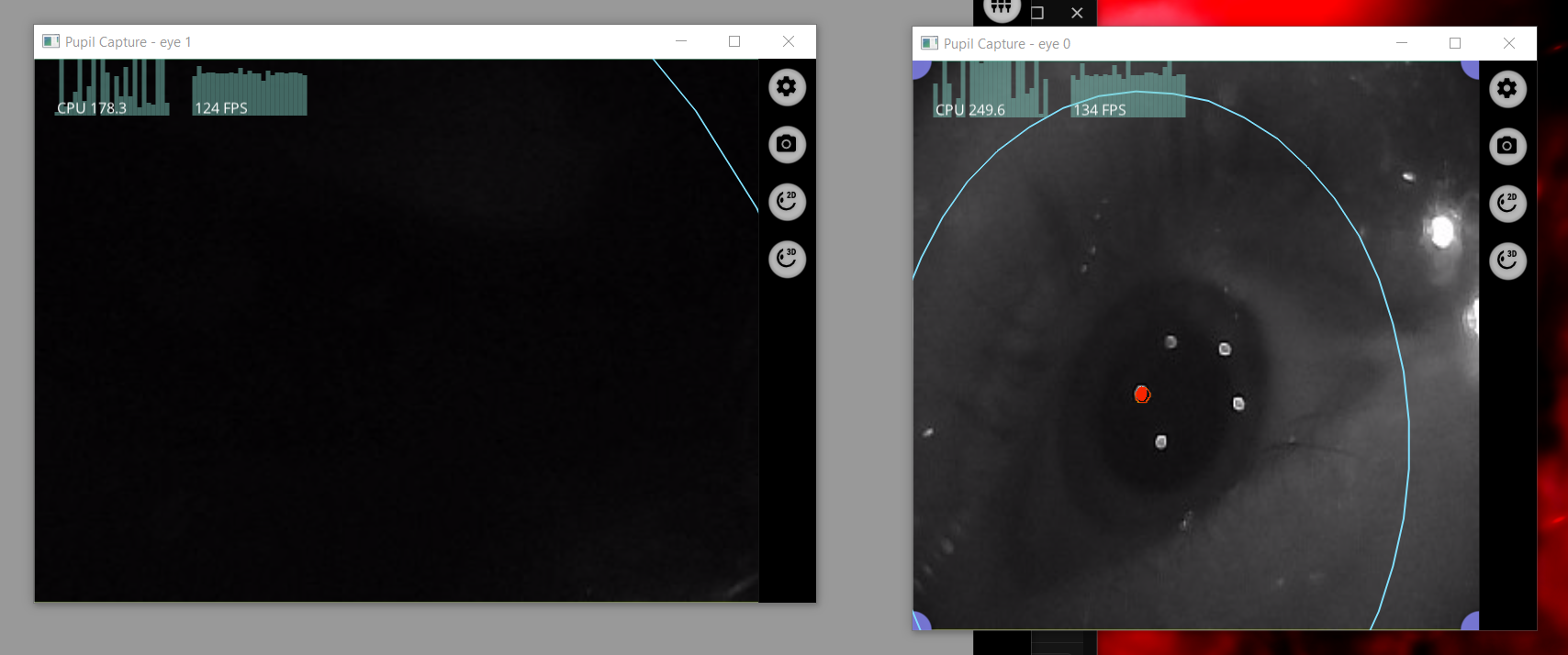
yes, the camera stays dark.
Thanks, @user-9d5d9f! Then I believe that the IR illuminators might be faulty and the system would need to be returned to our office for inspection and/or repair. Please reach out to [email removed] with your original order ID and someone from the operations team will take over.
Hey, i bought the device used and dont have any invoices sadly. How much would a repair cost?
Once you've contacted them, the operations team will be able to give an estimate of costs, @user-9d5d9f.
Hi everyone, I've imported the Pupil Plugin in a new project on Unity 2022.3.62f1 and I have the same issue of this post. In particular, the error message is Assets\Plugins\Pupil\3rd-party\MessagePack\Internal\AutomataDictionary.cs(481,16): error CS0246: The type or namespace name 'DynamicAssembly' could not be found (are you missing a using directive or an assembly reference?). If I open the c# project on Visual Studio I have 13 errors divided in 3 types: 1 type is the same on Unity. The other 2 are:
Hi @user-5a98fe , do you mean that you are starting from the provided starter_project_vr in the hmd-eyes repository or you are only following the steps of the Adding hmd-eyes to Existing Projects section ?
Yes exactly
Yes exactly